KidKit — Guía completa
Todo lo que tu familia necesita para organizar la ropa, mantenerse sincronizados y perder menos tiempo buscando.
¿Qué es KidKit?
KidKit is a familia app for padres and cuidadores who want to know where each niño's clothes are — at home, guardería, school, or a relative's house.
Instead of texting "Where are Emma's rain boots?", everyone in the familia sees the same live list. When someone moves an prenda in the app, others see it right away on their iPhone or iPad.
Primeros pasos
You can use KidKit within minutes. No account is required on day one.
1. Download and open the app
2. Create or join a familia
The first time you use KidKit you choose one of two paths:

3. Add niños
Each niño gets their own list of prendas. Go to Ajustes → Children → add a name. Free accounts can track one niño; Premium allows unlimited niños.
4. Create zonas
Areas are places where clothes can be — "Home closet", "Daycare", "School bag", "la abuela's". Create them in Ajustes → Areas or from the main screen. Free accounts include up to 3 zonas.
Pantallas principales
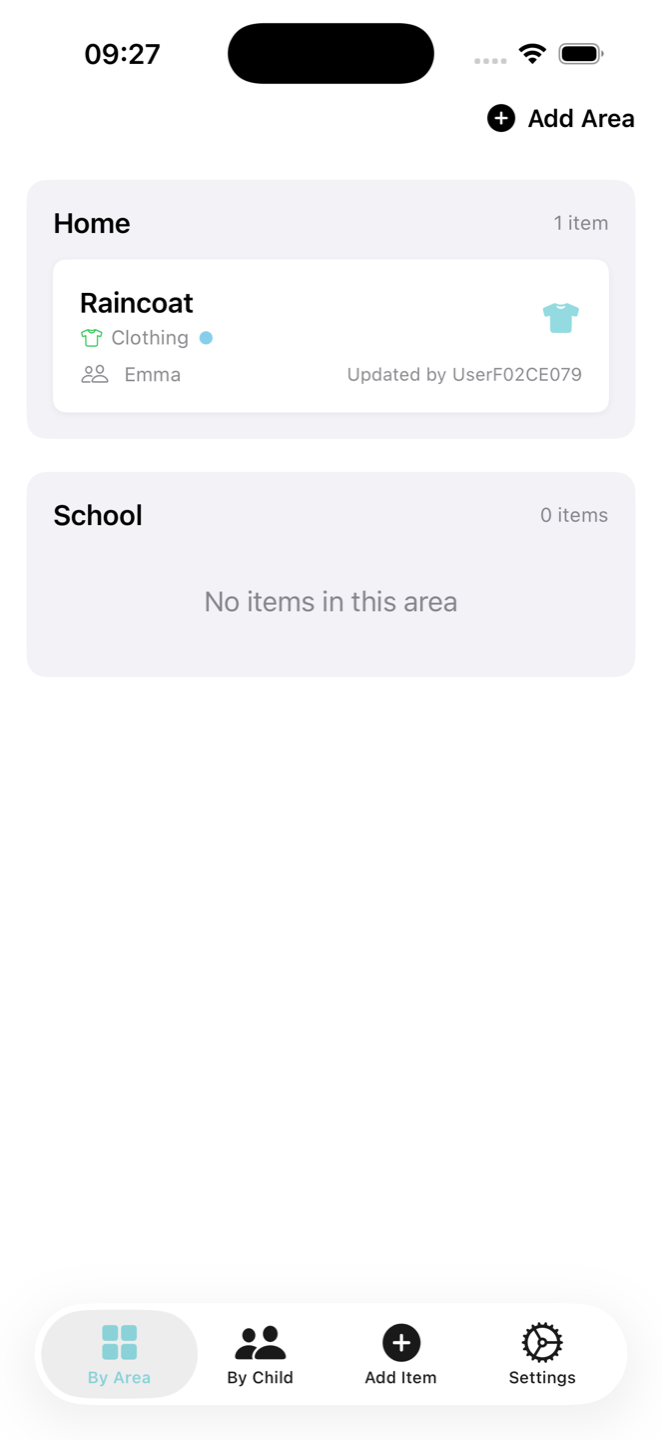
After setup, the bottom bar has four tabs.
Por zona
See every zona as a section with the prendas currently there. This is the main view most families use day to day. Pull down to refresh; use search to find an prenda by name, niño, or zona.

Por niño
Pick a niño at the top, then see all their prendas and where each one is. Helpful when packing for one niño.

Añadir prenda (+)
Tapping the center + tab opens the add-prenda form. You need at least one niño and one zona before you can save an prenda.
Ajustes
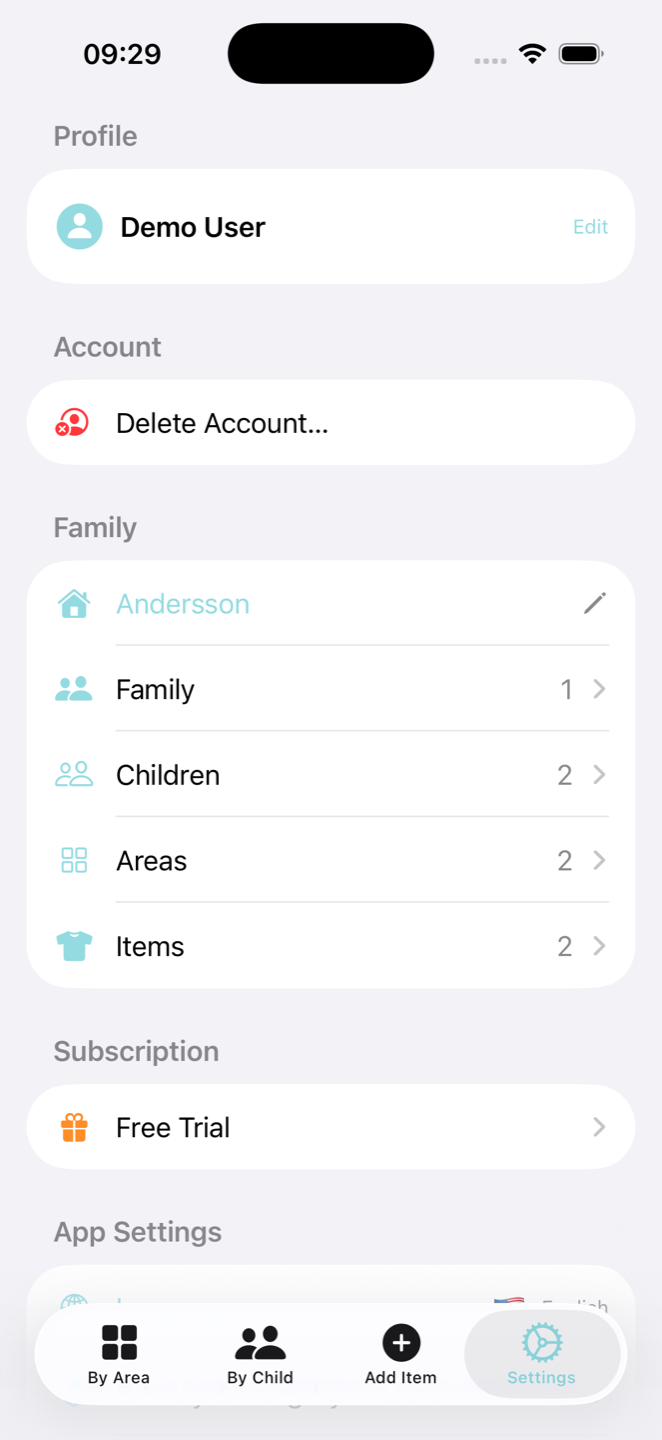
Manage your profile, familia, subscription, language, and help options.
Añadir y organizar prendas

Bags and containers
A bag is a special prenda that holds other prendas — like a football bag or guardería backpack. Create it with "Create as bag" when adding an prenda. Arrastrar loose prendas onto a bag to pack them; arrastrar the whole bag to another zona to move everything at once.
Límites del plan gratuito
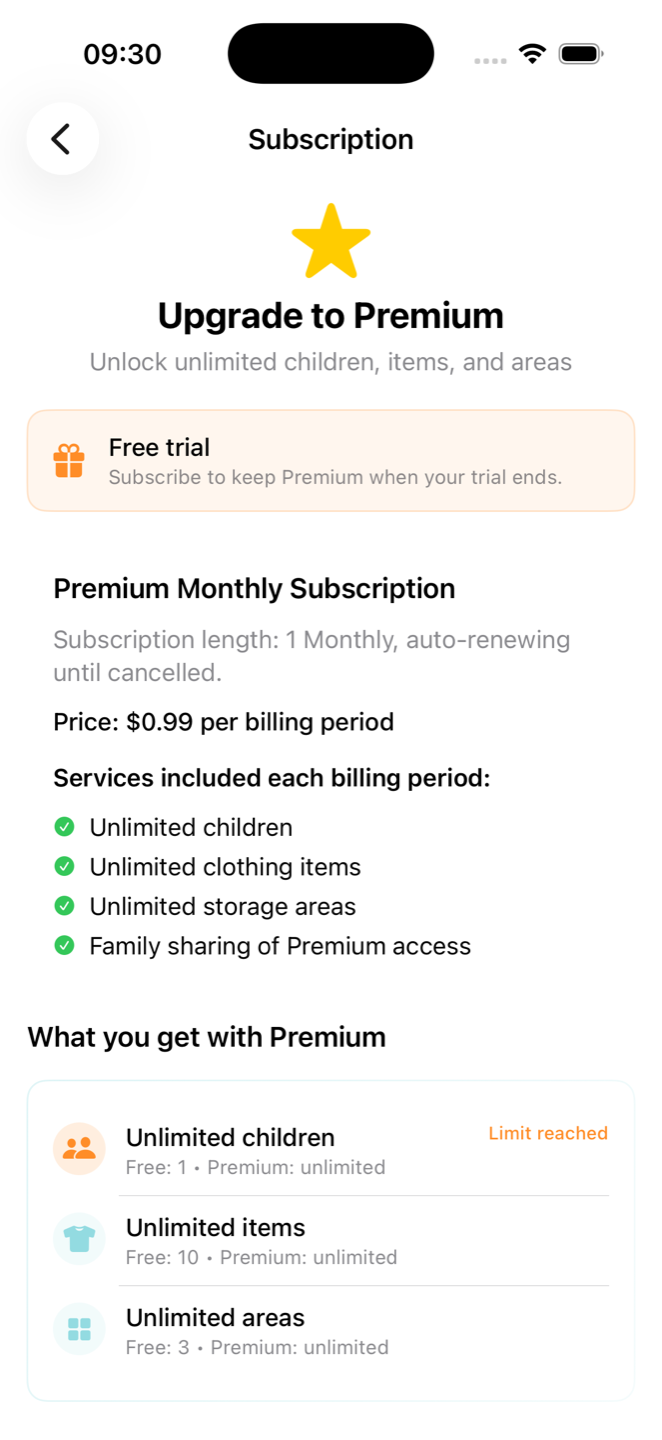
If you reach a limit, the app will prompt you to upgrade to Premium for unlimited niños, prendas, and zonas.
Mover prendas entre zonas
When clothes move between home and guardería, update KidKit so the whole familia stays aligned.

If you move something by mistake, look for an undo message at the bottom of the screen right after the move.
Compartir con la familia
Everyone in the same familia sees the same niños, zonas, and prendas. Changes sync in real time when you have an internet connection.
Invite someone

Leaving or managing members
Members can leave the familia from the members screen. The familia member who pays for Premium (subscription owner) can remove other members if needed.
Ajustes explicados
Perfil
Set your display name. Optionally add email and password so you can sign in on a new device. If email verification is required, follow the link in your inbox or use "I've verified my email" in the profile editor.
Family
Suscripción
Shows Free Trial, Premium, or Expired. Tap to subscribe, restore purchases, or manage your plan in the App Store. Only one person in the familia needs Premium — everyone else gets Premium features through the familia.
App settings
Soporte
Account (when signed in with email)
Delete Account permanently removes your KidKit account. This is separate from leaving a familia.
Tranquilidad
KidKit está pensada para facilitar la vida familiar, no para hacer vibrar el teléfono todo el día.
Hoy no hay notificaciones push en KidKit ni una pantalla de avisos que gestionar. Cuando quieras comprobar dónde está algo, abre la app: las listas de tu familia están ahí cuando las necesitas.
Quizá añadamos avisos útiles en el futuro, pero no te spamearemos. KidKit se centra en organizar la ropa de los niños, no en interrumpir tu día.
Consejos y solución de problemas
Items look out of date
Pull down on Por zona or Por niño to refresh. Check that you have internet access. Make sure you are in the correct familia if you belong to more than one.
Cannot add more niños, prendas, or zonas
You may have reached the free tier limit. Open Ajustes → Suscripción to upgrade to Premium.
New phone or tablet
Before switching devices, add email and password under Perfil. On the new device, choose Correo & Password on the login screen and sign in. Your familia data will sync from the cloud.
Invitation link does not work
Invitations can expire. Ask the familia admin to send a new link from Ajustes → Family. Open the link on the device where KidKit is installed.
Trial ended
You can continue in read-only mode or subscribe to Premium to keep adding and moving prendas.
Las capturas muestran la app KidKit en inglés en todos los idiomas hasta que haya versiones localizadas.